Think with context
Open the agent beside the active project, its tasks, documents and earlier conversations.
AI Workspace for Mac
Projects, documents, tasks, calendar and AI agents in one local-first workspace.
Pandore keeps personal life and professional work clearly separated while giving each project the context and tools it needs.
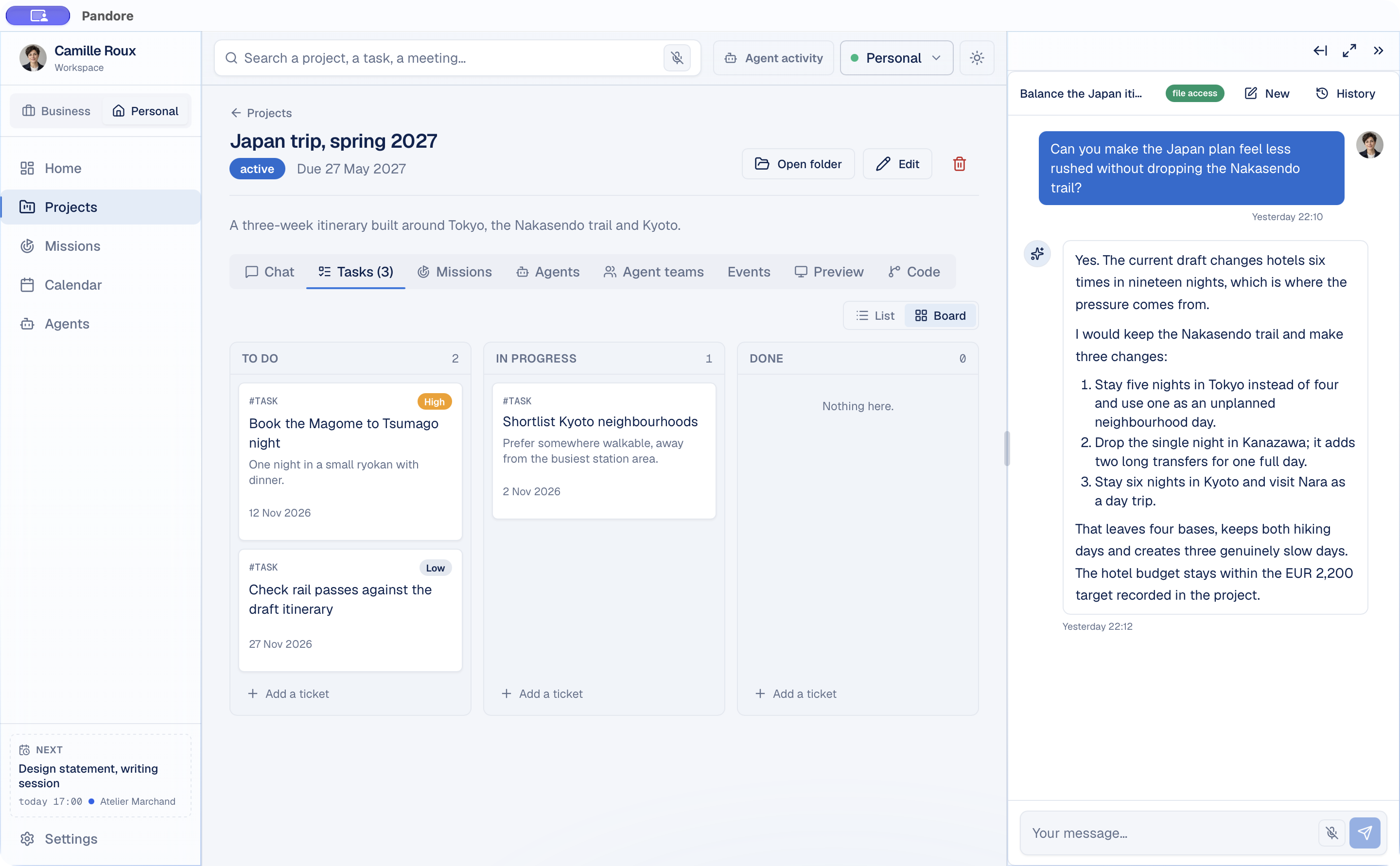
One connected environment
Traditional productivity tools split projects, documents, conversations and schedules into separate places. A generic AI assistant then asks you to explain the same context again.
Pandore brings that context into the project itself. You can discuss the work, organize the next steps and launch an agent session without leaving the workspace.
Open the agent beside the active project, its tasks, documents and earlier conversations.
Keep tasks, deadlines, calendar events, files and decisions attached to the right project.
Use Pandore Missions or run Claude Code, Codex and Gemini CLI from inside the project.
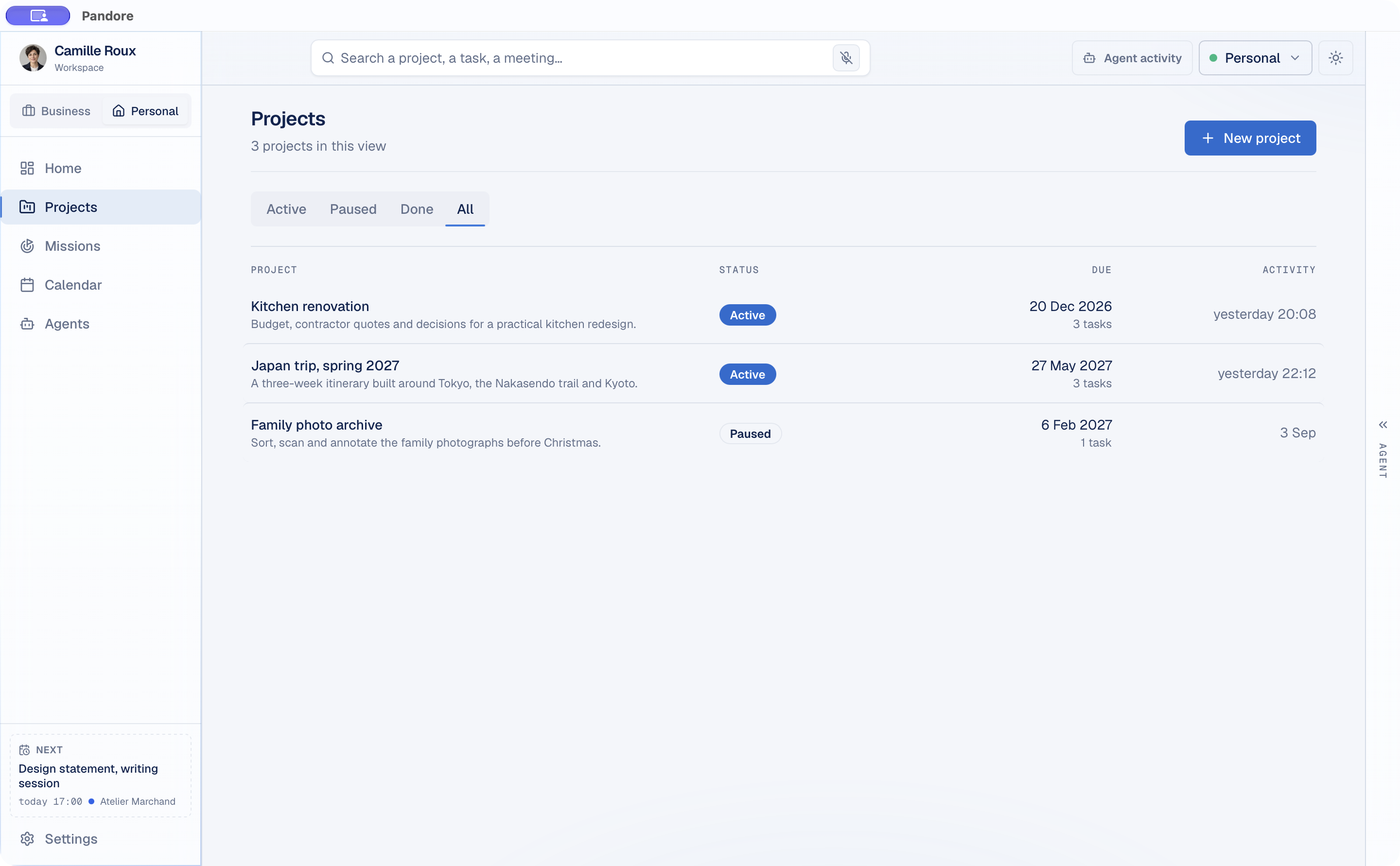
Personal and Professional
Personal projects can include a trip, a renovation or a life goal. Professional work can include clients, pipeline, delivery, time and finances. Pandore keeps their data and AI context separate.
Switch spaces without learning another app. Projects, conversations, calendar and Missions remain familiar while business-only tools stay out of Personal.
Local-first by design
Pandore does not require a Pandore account. Its workspace data is stored locally in a file on your Mac, so you can back it up with the system you already trust.
When you use a remote agent, the context you choose is sent to that provider through your own account. External connectors remain under your control.

Bring projects, information and AI into the same Mac environment.
Download Pandore for MacVersion 0.9.0 · free · macOS 11 or later · Apple Silicon Mac · 11.6 MB