Pandore and Notion
A local-first alternative to Notion AI.
Your projects on your computer. The AI agents you choose.
Notion is a shared workspace in the cloud with AI built in. Pandore is a desktop workspace for one person, where your data stays in a local file and AI runs through Claude Code, Codex, Gemini CLI or models on your own computer. Here is an honest comparison.
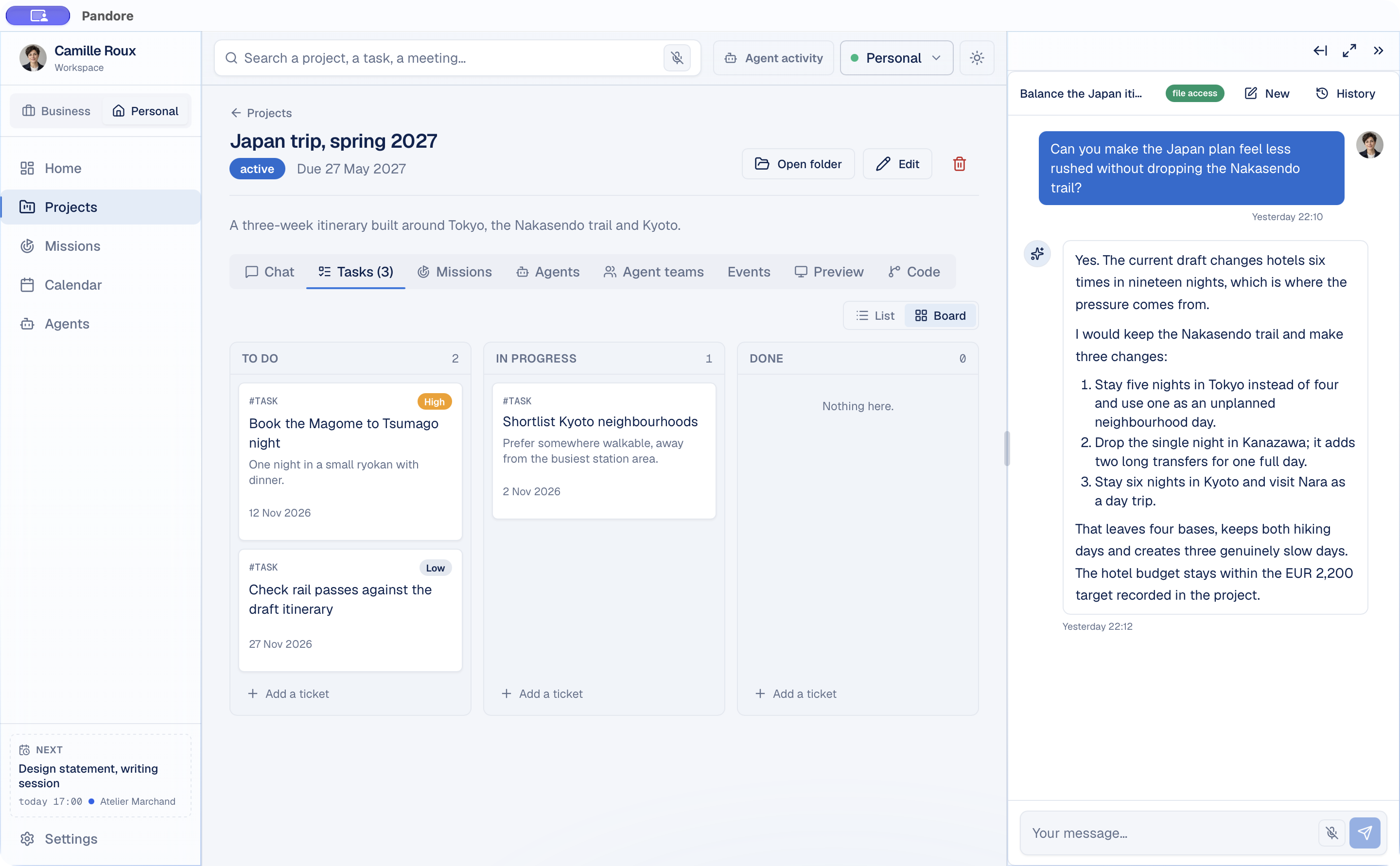
Two different ideas of a workspace
Notion is built for teams. Pages, databases and wikis live in Notion's cloud, everyone edits them together, and Notion AI works on that shared content.
Pandore is built for the person doing the work. Projects, tasks, calendar, documents, conversations and, for professionals, clients and invoices live in one desktop app. AI agents work inside your projects, including the files in each project folder.
Side by side
| Pandore | Notion | |
|---|---|---|
| Where your workspace lives | A file on your computer | Notion's cloud |
| Account | Not needed | Required |
| AI | Claude Code, Codex or Gemini CLI with your own account, or 43 local models | Notion AI, provided inside Notion |
| AI that never leaves your computer | Yes, with local models | No |
| Where AI works | Your projects and their folders on disk | Notion pages and databases |
| Real-time collaboration | No, one person per workspace | Yes |
| Mobile and web | No, Mac and Windows apps only | Yes |
| Clients, pipeline and invoice tracking | Built in, tax settings follow French rules | Build them with databases and templates |
| Price | Free | Free plan and paid plans |
When Notion is the better choice
Choose Notion if several people need to edit the same documents at the same time, if you need to work from a phone or a browser, or if you rely on its databases and template ecosystem. Pandore does not try to replace a shared team wiki.
When Pandore is the better choice
- You work alone or as a freelancer, and you want projects, clients, time and invoices in the same place as your AI.
- You want your data on your computer, in a file you can back up, with no account to create.
- You already pay for Claude Code, Codex or Gemini, and want those agents to work inside your projects instead of a separate chat.
- You want private AI, with local models that run without sending anything to a provider.
- You want to know what AI costs, project by project, with the AI usage dashboard.
Use both
You do not have to choose. Pandore includes a Notion connector: paste your Notion token once, and your agents can search and write in your Notion workspace for you. Keep the team wiki in Notion and the day-to-day work in Pandore.
Questions
Before you start.
Can I import my Notion pages into Pandore?
There is no one-click import. Pandore's agents can read your Notion workspace through the Notion connector, and you can keep exported files in a project folder that agents can read.
Is Pandore a note-taking app?
Not mainly. Pandore is organized around projects: tasks, calendar, documents, conversations and agents. Notes live inside projects.
Does Pandore work offline?
Yes for your workspace and for local models. Remote agents such as Claude Code need an internet connection.
Keep reading

Try a workspace that stays on your computer.
Free for Mac and Windows. No account required.
Version 0.9.0 · free · macOS 11+ Apple Silicon · Windows 10/11 x64